Dify AI: Build AI Apps and Agent Workflows (Beginner Guide, Pricing and Setup)
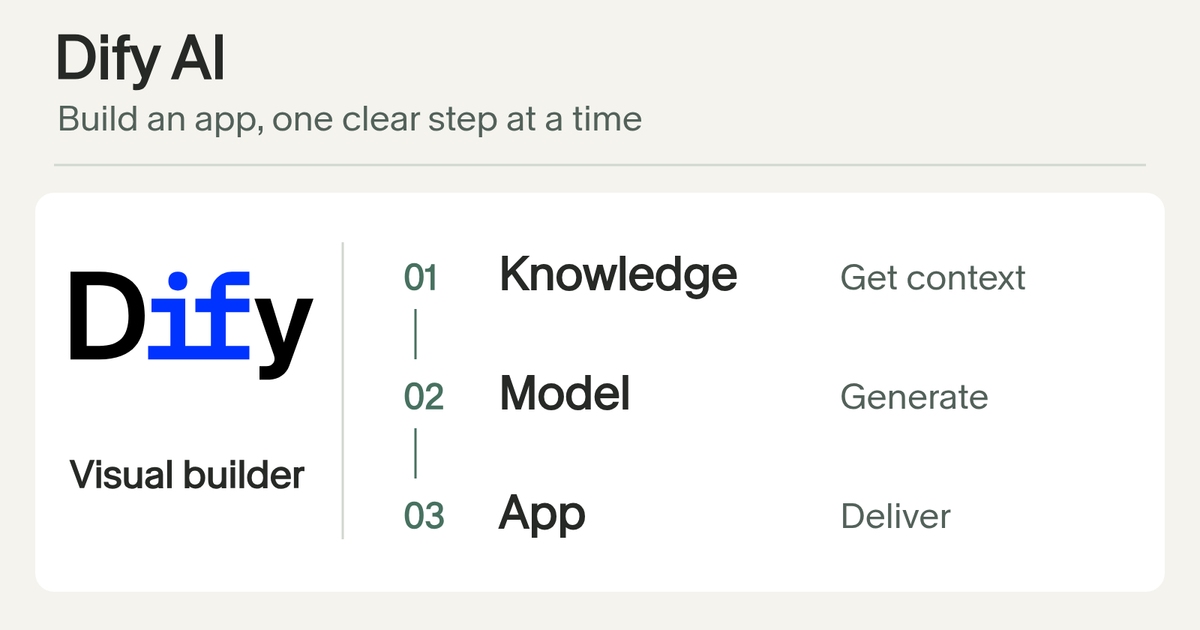
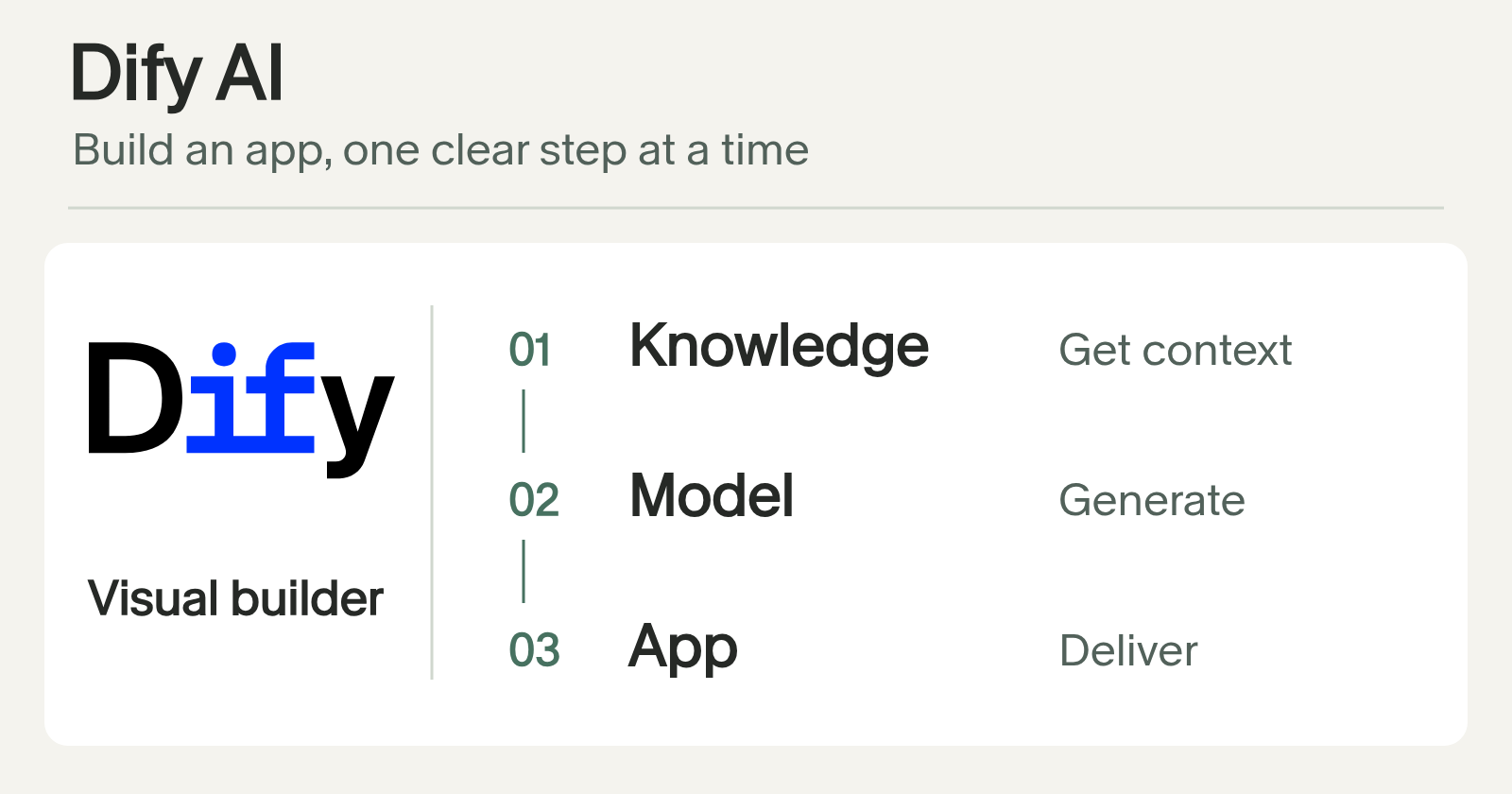
Dify is an open-source platform for building AI applications. You build agents, agentic workflows and chatbots that use your own data, then publish them as web apps or call them through an API. This beginner guide covers what Dify does, how Workflow and Chatflow differ, how to start on Dify Cloud or self-host, and when a different tool fits better. Facts come from the Dify docs and README, linked in Sources.
What is Dify?
The docs describe Dify as an open-source platform for building AI applications. The GitHub README adds the pieces: AI workflows, RAG pipelines, agent capabilities, model management and observability, with deployment on cloud, in your own cloud, or self-hosted.
What you can do with it:
- Build a chatbot that answers from your own documents.
- Build an agentic workflow that routes, transforms and responds step by step.
- Add an agent step that chooses tools to finish a task.
- Publish the result as a web app, or call it from your own product through the REST API.
- Extend it with plugins for your own tools, models and integrations.
- Run it from terminals, scripts and CI with
difyctl.
Dify Workflow vs Chatflow
- Workflow. Runs a fixed sequence of steps.
- Chatflow. Built for conversation.
- Both mix models, tools and logic, with conditions and fallback paths.
| App type | How it runs |
|---|---|
| Workflow | Single-turn tasks. Starts from User Input or a Trigger, including scheduled or event-driven runs. |
| Chatflow | Runs at each turn of a conversation. Always starts with User Input; adds conversation variables, LLM memory and streaming. |
Sources: Dify key concepts
Dify agent node
You can put an agent inside a workflow step and let it choose tools to finish that step. Use it where the path is not fixed, and keep the rest of the flow fixed. That keeps most of the app predictable.
How to start with Dify Cloud
Dify Cloud is the managed option. The docs say there is no installation and a free Sandbox plan is included. Paid plans and their limits are on the pricing page, so check it for current numbers instead of trusting a blog post.
How to self-host Dify with Docker
The README lists minimum system requirements of 2 CPU cores and 4 GiB of RAM, plus Docker and Docker Compose v2.24.0 or later. After you clone the repository:
cd dify/docker
cp .env.example .env
docker compose up -d
Open http://localhost/install in your browser to start the initial setup. The Docker Compose setup starts several services, including the API, a worker, a database, Redis and a vector store, so plan for a server with room.
What to prepare before you build in Dify
- The job. One sentence on what the app should do and who uses it.
- Your data. The documents or knowledge it should answer from. Clean them first; an app can only be as good as its sources.
- A model provider. Dify works with providers you connect, and model usage is billed by them.
- Fixed or flexible. If the steps are always the same, use a Workflow. If it is a back-and-forth conversation, use a Chatflow. Add an agent node only for the step where the path varies.
A sensible first Dify project
Start with one narrow workflow, like answering questions from your own FAQ or sorting inbound inquiries. Test it on real examples before you connect it to anything customer facing. Add the agent node only where a fixed path will not do.
Is Dify a good fit for your workflow?
- You want to publish a finished app on your own data and share it with a team: look hard at Dify.
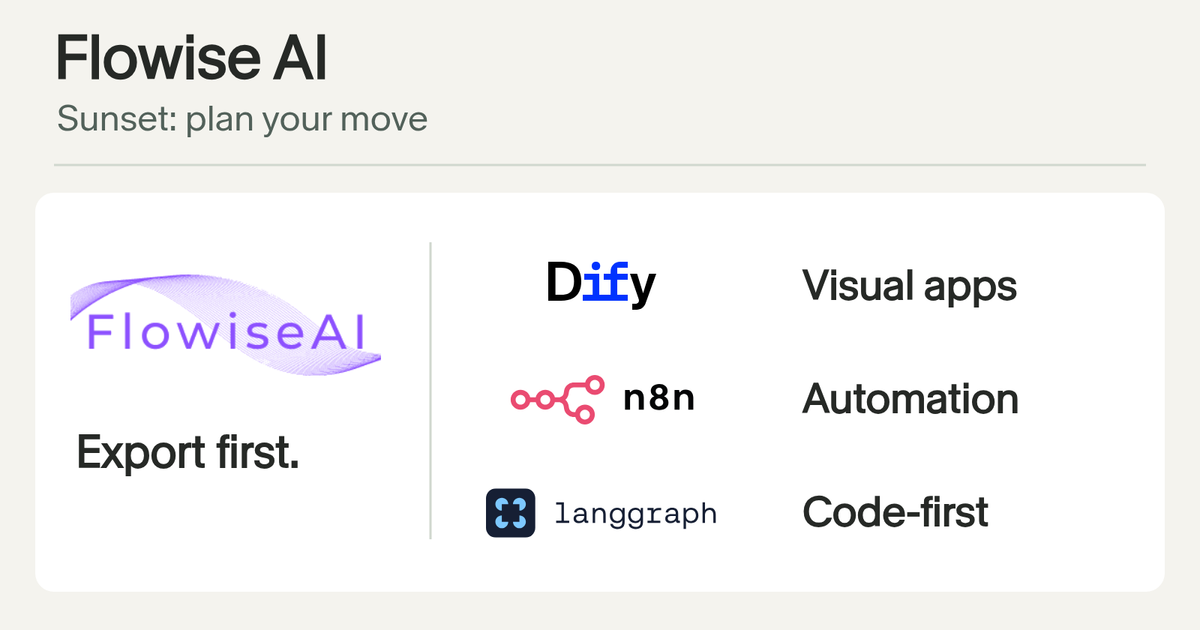
- You are comparing visual builders: Flowise was one, but it has been wound down. See my Flowise post for the status and alternatives.
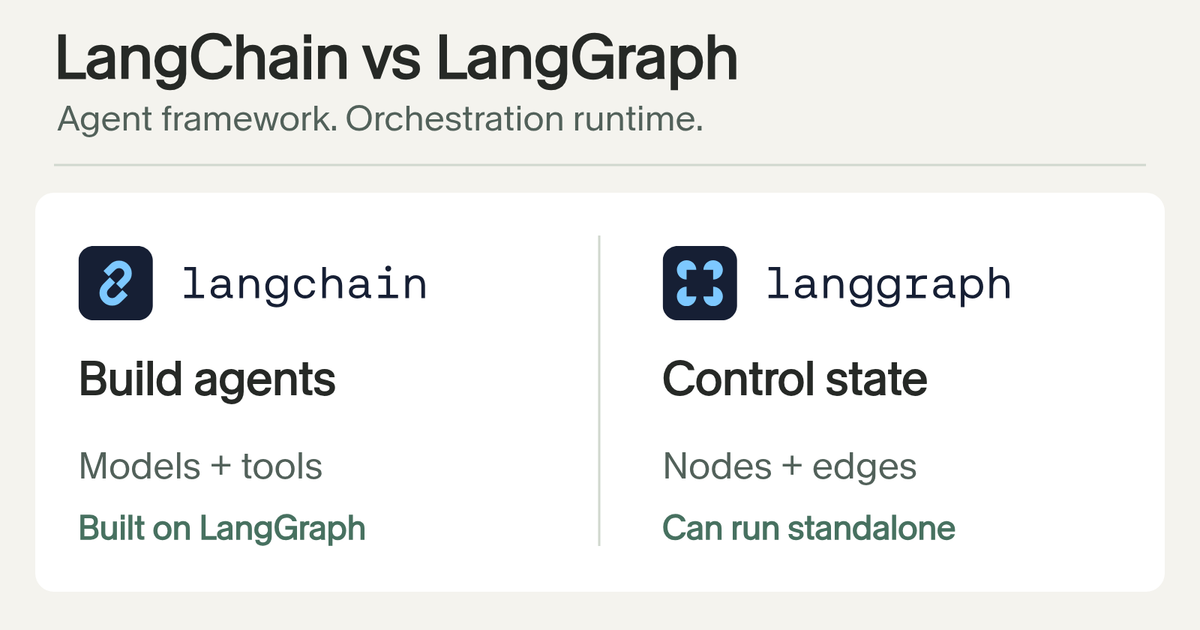
- You need heavy custom logic: code is clearer at some point. See LangChain and LangGraph.
- You want an agent that works from chat apps on your own server: see Hermes Agent.
Want help picking or setting up a workflow? Send the task and the tools you already use through the contact page.
Frequently asked questions
What is Dify AI?
Dify is an open-source platform for building AI applications. Per its docs, you create agents, agentic workflows and chatbots that draw on your own data, then publish them as web apps or integrate them through APIs. You can use Dify Cloud or self-host the Community Edition.
Can I use Dify for free?
Yes, in two ways. Dify Cloud includes a free Sandbox plan according to the docs, and you can self-host the open-source Community Edition on your own infrastructure. Model usage is separate and billed by whichever model provider you connect.
How much does Dify AI cost?
It depends on how you run it. Self-hosting the Community Edition costs your own server and model usage. Dify Cloud has a free Sandbox plan and paid plans per workspace. Plans and limits change, so use the pricing page at dify.ai/pricing for current numbers.
What can I do with Dify?
Build chatbots, agents and agentic workflows on your own data, publish them as web apps or REST APIs, extend them with plugins, and run apps from scripts or CI with difyctl. Workflow runs a fixed sequence of steps, Chatflow is built for conversation, and an agent node lets the model pick tools inside a step.
Is Dify self-hosted?
It can be. You can self-host the open-source Community Edition with Docker Compose, or use Dify Cloud, the managed platform. The README lists minimum requirements of 2 CPU cores and 4 GiB of RAM plus Docker Compose v2.24.0 or later.
Is Dify AI easy to use?
Dify's docs open with a 'Build your first app' guide and a Tutorials section that goes from a first workflow to complete example apps. Dify Cloud needs no installation and includes a free Sandbox plan. Self-hosting is more work: the README asks for Docker Compose, 2 CPU cores and 4 GiB of RAM. How easy it feels depends on your experience with LLM apps.
How do I install Dify?
Clone the Dify repository, go to the docker folder, copy .env.example to .env, and run docker compose up -d. Then open http://localhost/install to finish setup. Or skip installation and use Dify Cloud.
Sources
Frequently asked questions
What is Dify AI?
Dify is an open-source platform for building AI applications. Per its docs, you create agents, agentic workflows and chatbots that draw on your own data, then publish them as web apps or integrate them through APIs. You can use Dify Cloud or self-host the Community Edition.
Can I use Dify for free?
Yes, in two ways. Dify Cloud includes a free Sandbox plan according to the docs, and you can self-host the open-source Community Edition on your own infrastructure. Model usage is separate and billed by whichever model provider you connect.
How much does Dify AI cost?
It depends on how you run it. Self-hosting the Community Edition costs your own server and model usage. Dify Cloud has a free Sandbox plan and paid plans per workspace. Plans and limits change, so use the pricing page at dify.ai/pricing for current numbers.
What can I do with Dify?
Build chatbots, agents and agentic workflows on your own data, publish them as web apps or REST APIs, extend them with plugins, and run apps from scripts or CI with difyctl. Workflow runs a fixed sequence of steps, Chatflow is built for conversation, and an agent node lets the model pick tools inside a step.
Is Dify self-hosted?
It can be. You can self-host the open-source Community Edition with Docker Compose, or use Dify Cloud, the managed platform. The README lists minimum requirements of 2 CPU cores and 4 GiB of RAM plus Docker Compose v2.24.0 or later.
Is Dify AI easy to use?
Dify's docs open with a 'Build your first app' guide and a Tutorials section that goes from a first workflow to complete example apps. Dify Cloud needs no installation and includes a free Sandbox plan. Self-hosting is more work: the README asks for Docker Compose, 2 CPU cores and 4 GiB of RAM. How easy it feels depends on your experience with LLM apps.
How do I install Dify?
Clone the Dify repository, go to the docker folder, copy .env.example to .env, and run docker compose up -d. Then open http://localhost/install to finish setup. Or skip installation and use Dify Cloud.
Sources
Ready to implement this for your brand?
Stop reading about growth and start engineering it. Our autonomous marketing systems and SXO strategies are battle-tested and ready to deploy.
Initiate Strategy Session